Top 200 drugs. On your Lock Screen.
Review brand names, generic names, and drug classes throughout the day.
How it works
See a drug. Get to know it.
- 01
Start with a glance
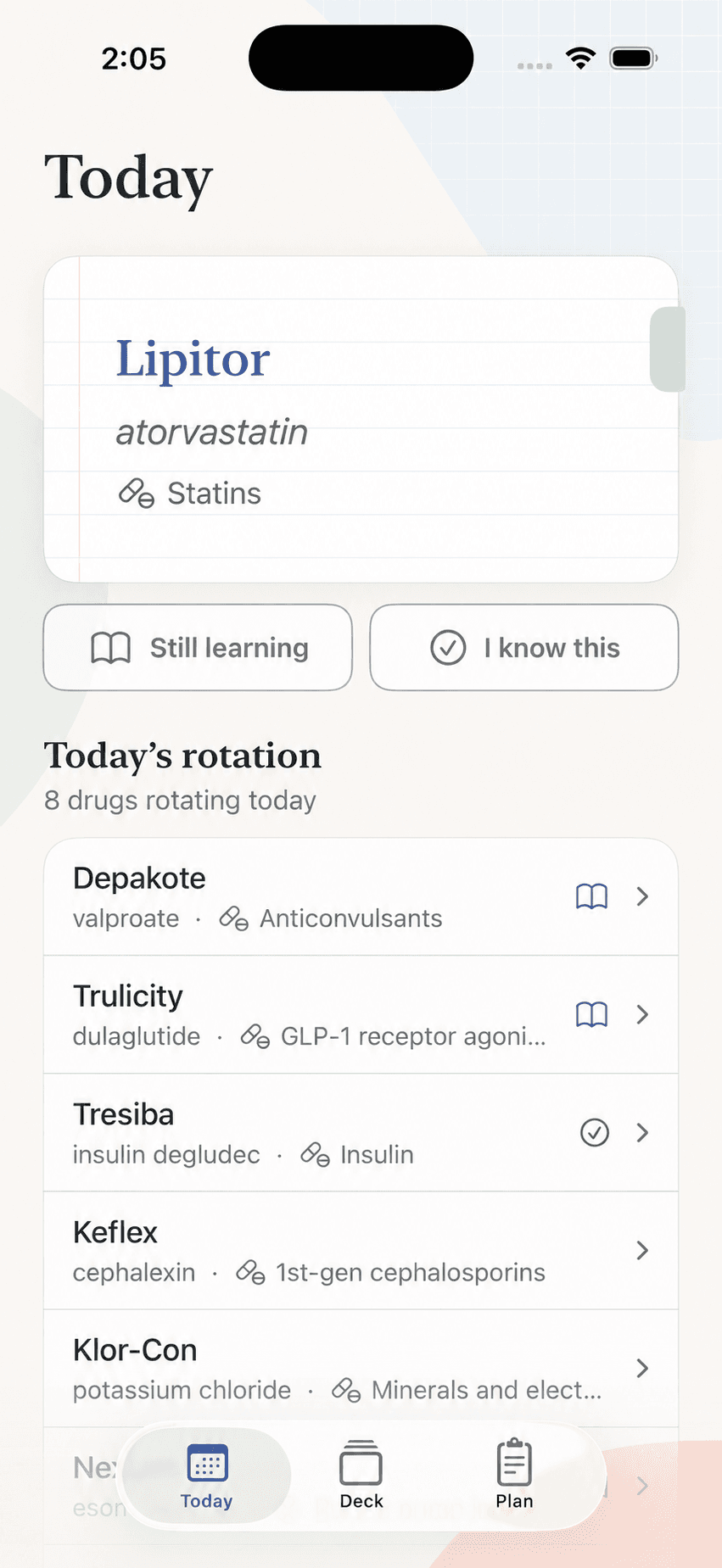
Brand names, generic names, and drug classes rotate on your Lock Screen throughout the day.
- 02
Take a closer look
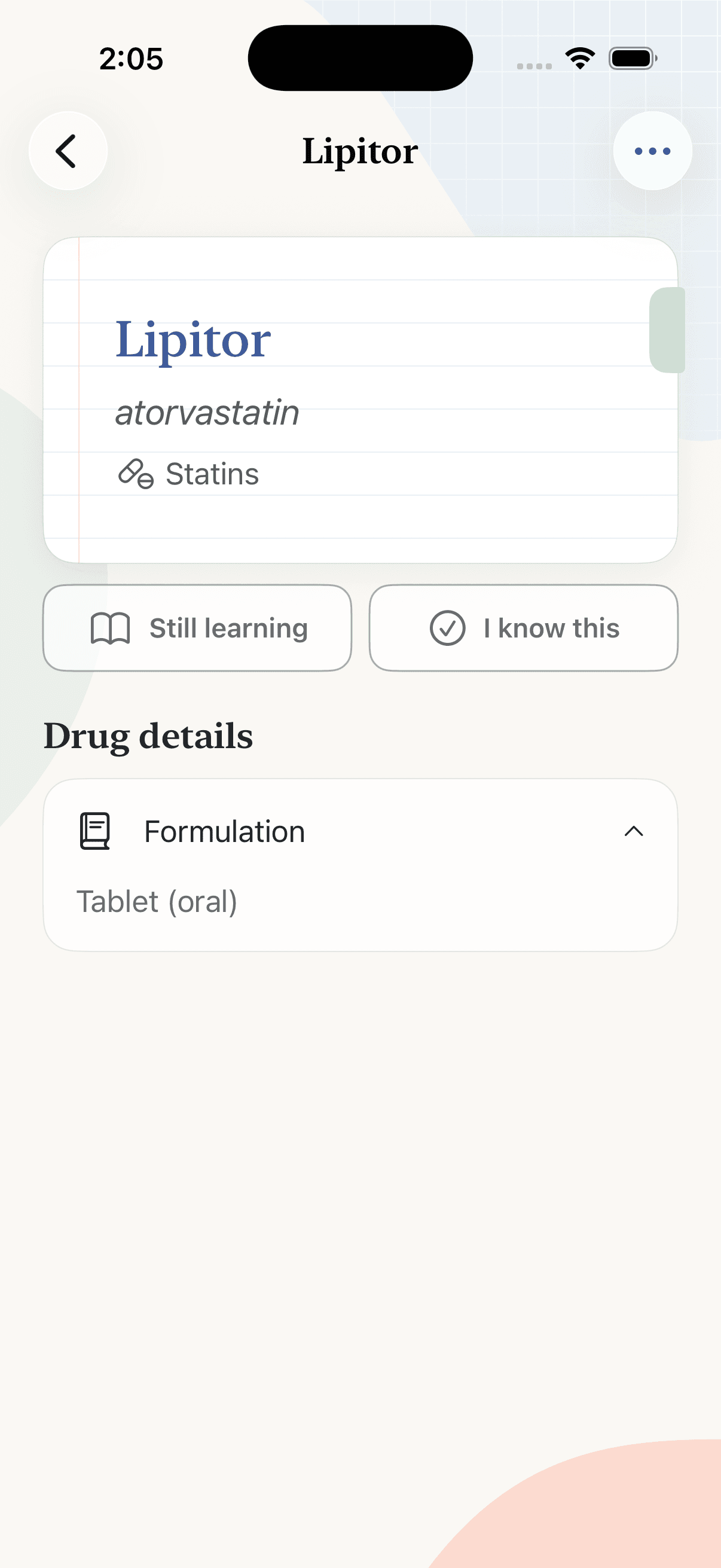
Don’t recognize a drug? Tap the widget to open its details in the app.
- 03
Mark what you know
Choose “I know this” or “Still learning.” Future rotations prioritize the drugs you’re still learning.
Drug library
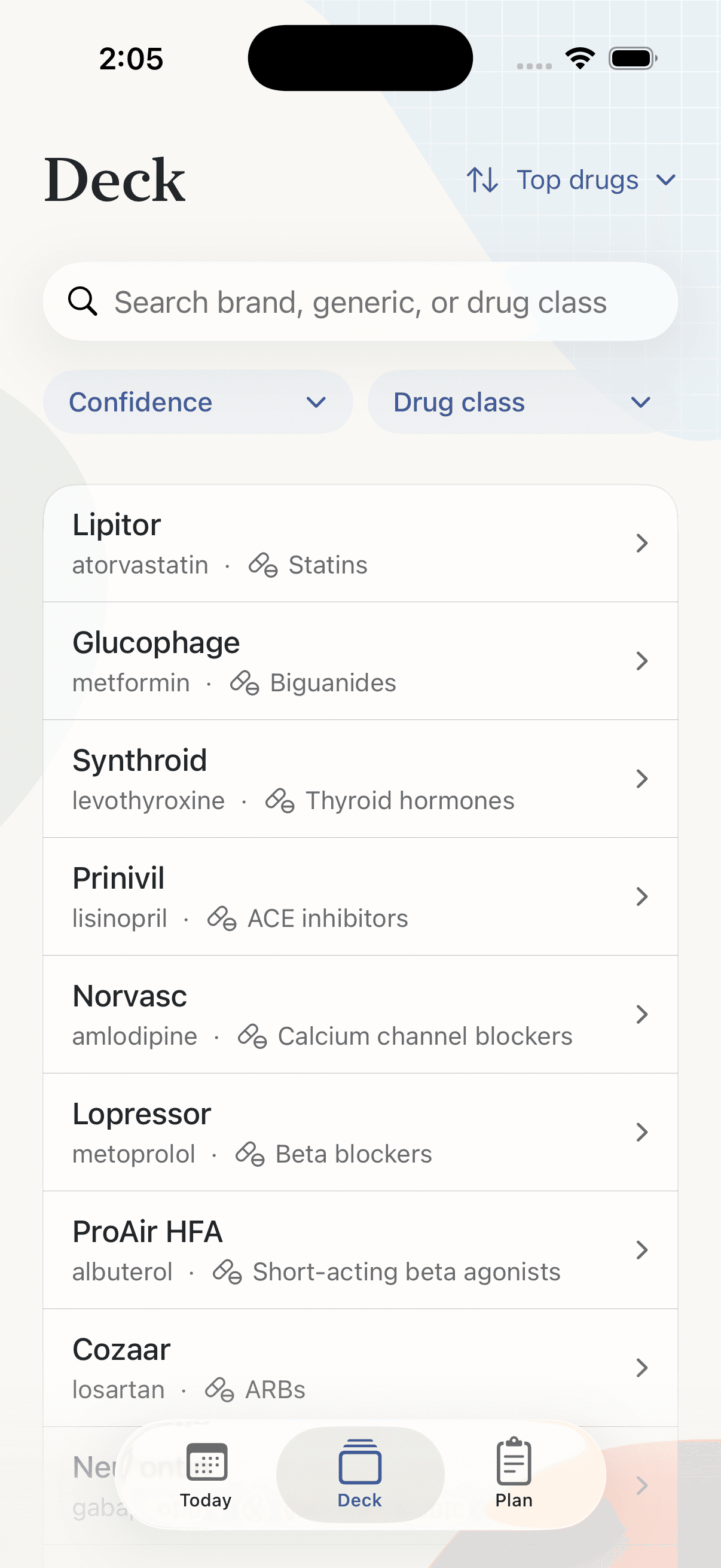
Find a drug. Review the details.
Search by brand, generic name, or drug class, then mark what you know.
Your study plan
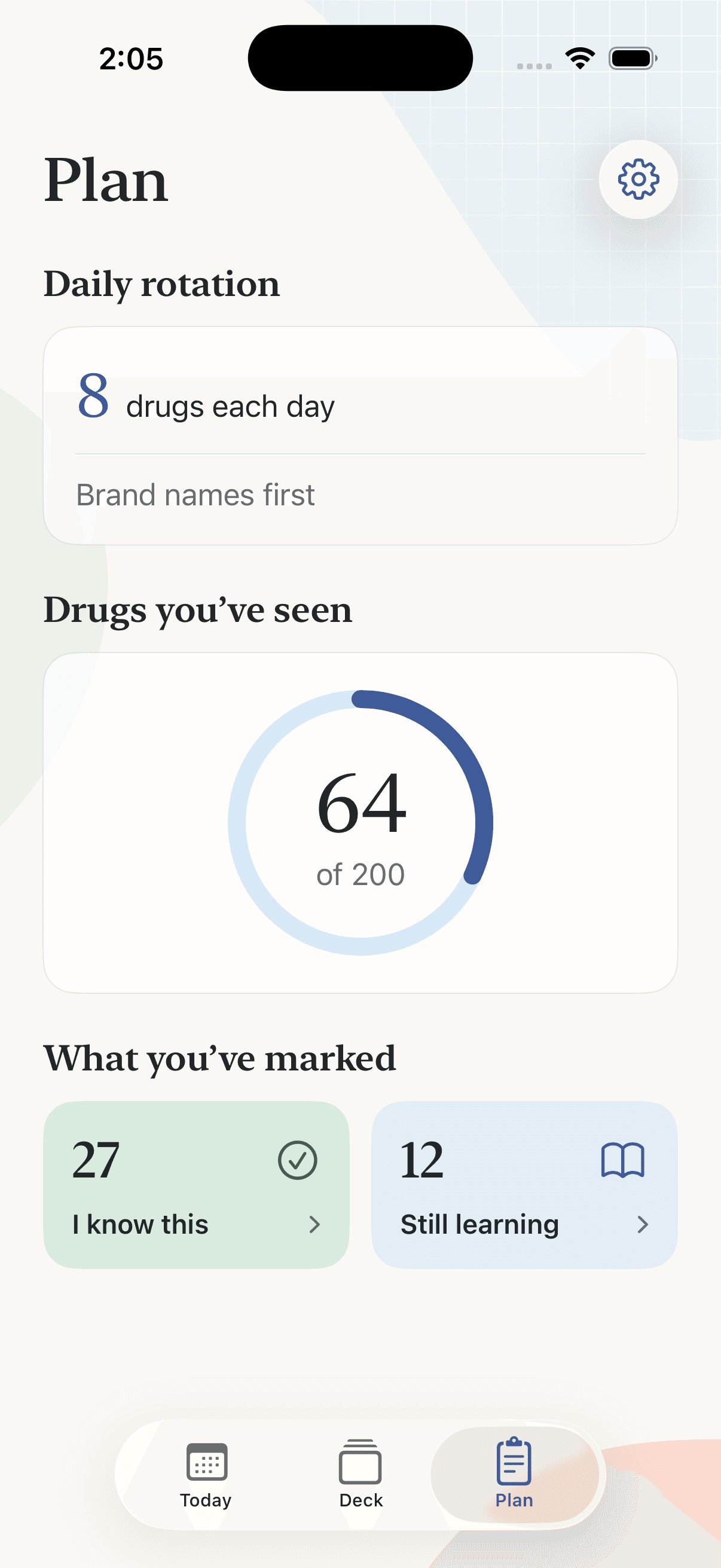
Choose your pace. Watch your progress.
Choose how many drugs to see each day. Track what you’ve seen, what you know, and what you’re still learning.